Retrieve API Information
- Generate a new service account:
To interact with the Thingsrecon API, two key pieces of information are needed: an access token and the project ID.
Via the UI, create a new Service Account user under Settings, click on "add service account" on the right hand side :

Give a name and a description (optional) and click on "add" button at the bottom of the popup window :
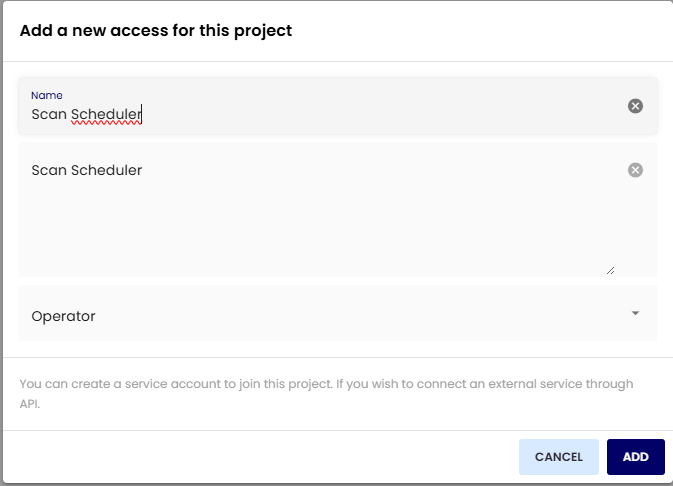
Once created, select a role and make it either an "operator" or an "admin".
On the far right hand side, a key-shaped icon is visible, click on it to display the secretkey and client ID :
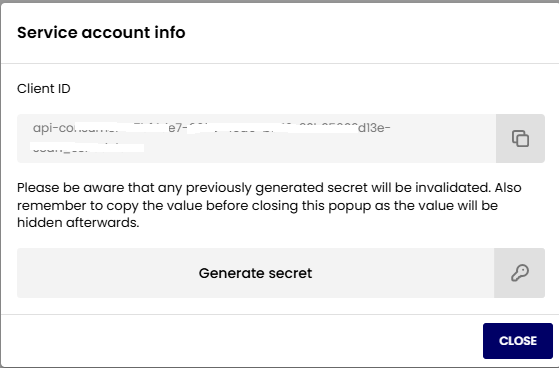
Click on "Generate secret" button to actually generate and display it.
At this stage it is crucial to copy both the secret key and the clientID to a notepad, because this is the ONLY TIME these information will be displayed ever.
Generate an Access Token:
The
POST /public/api/auth/access-tokenendpoint is used for this.
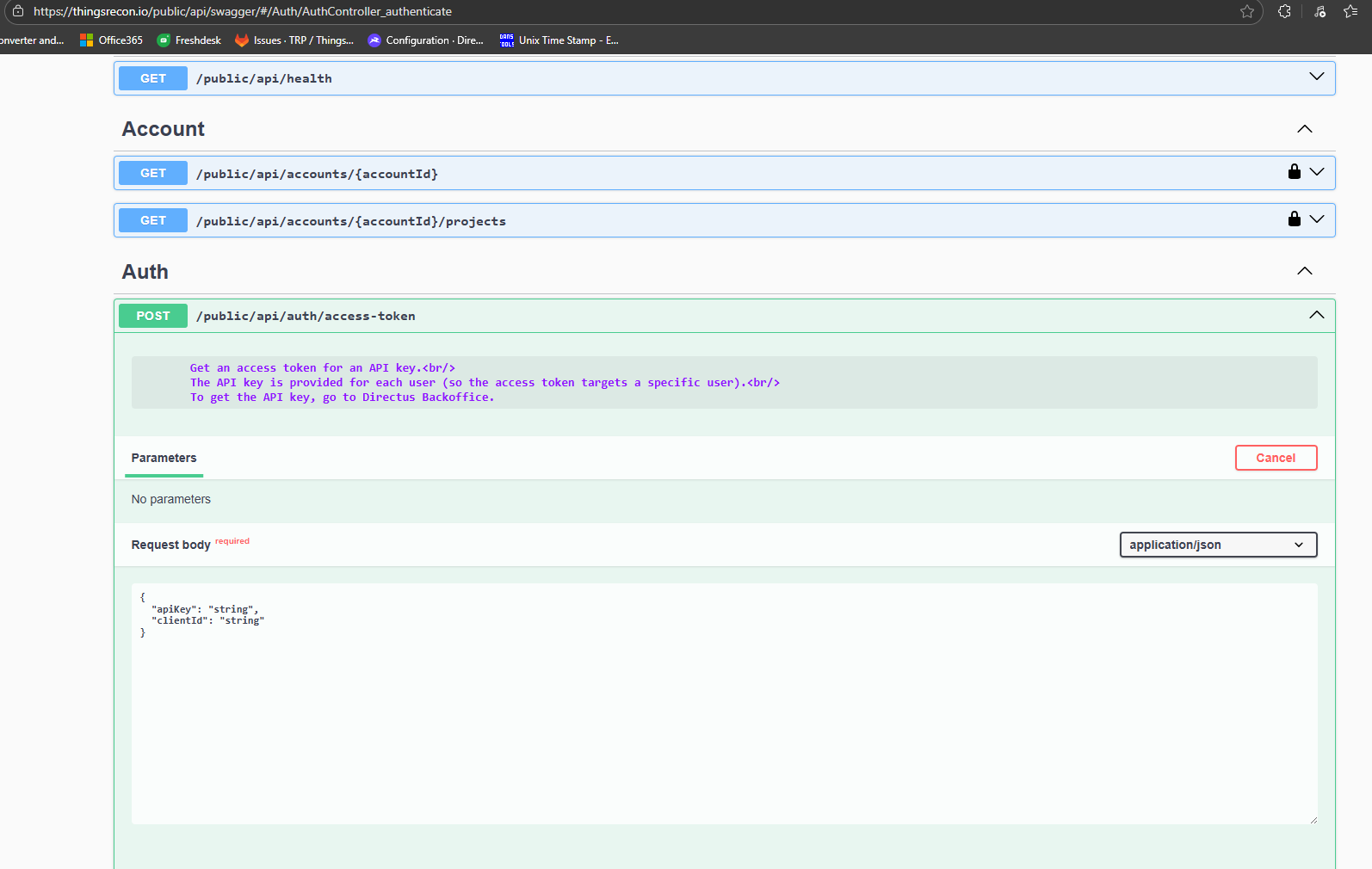
- The access token is generated by sending your security key to this URL.
- You need to replace "string" with the actual ClientID and Secret from previous step in
{
"apiKey": "string",
"clientId": "string"
}
then click on "execute" blue button.
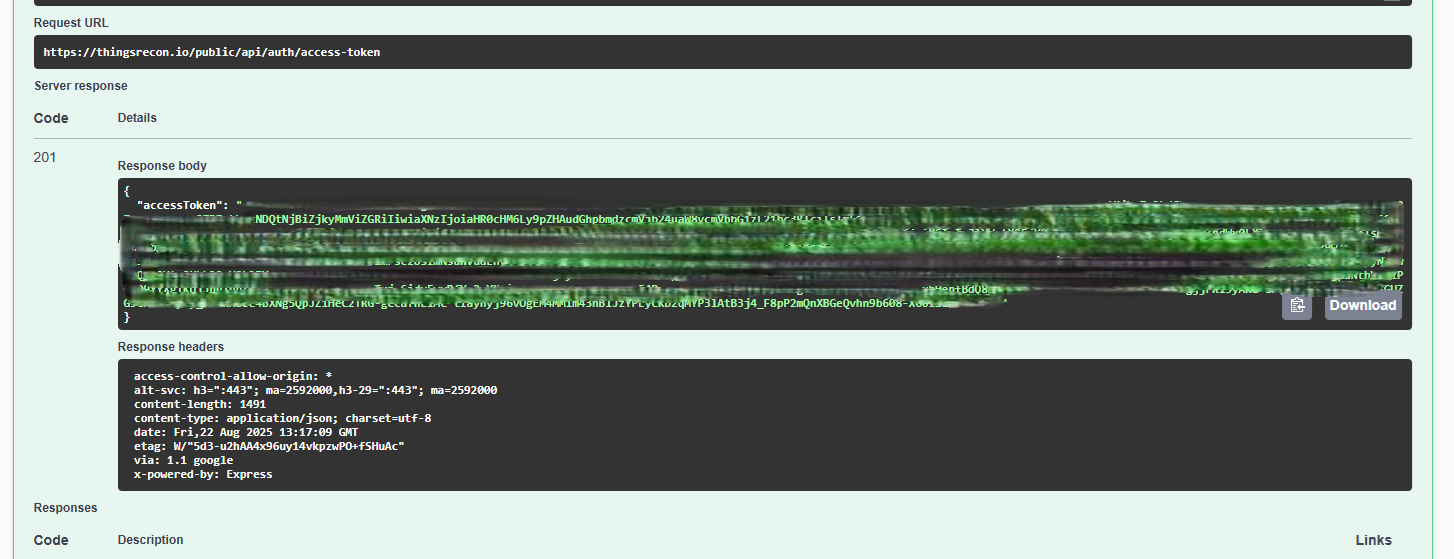
the response is a very long string between double quotes :
Copy the string to a notepad without the surrounding double quotes.
Identify the
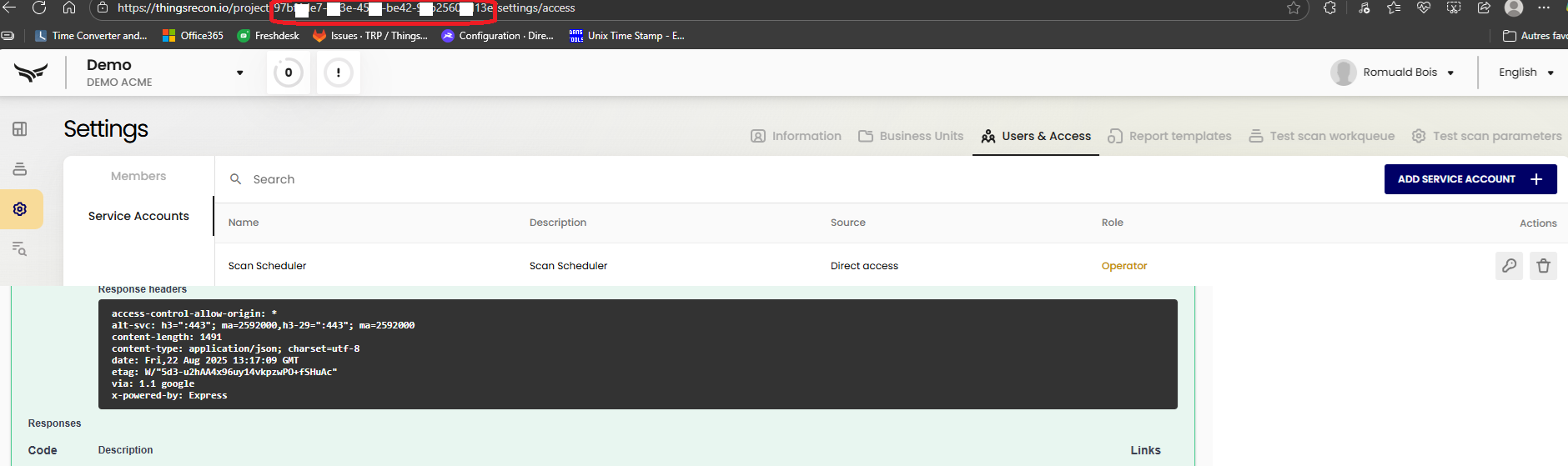
projectId:Every project in Thingsrecon has a unique ID.
You can get this by copying the ID from the URL once connected to the UI and in the appropriate project :
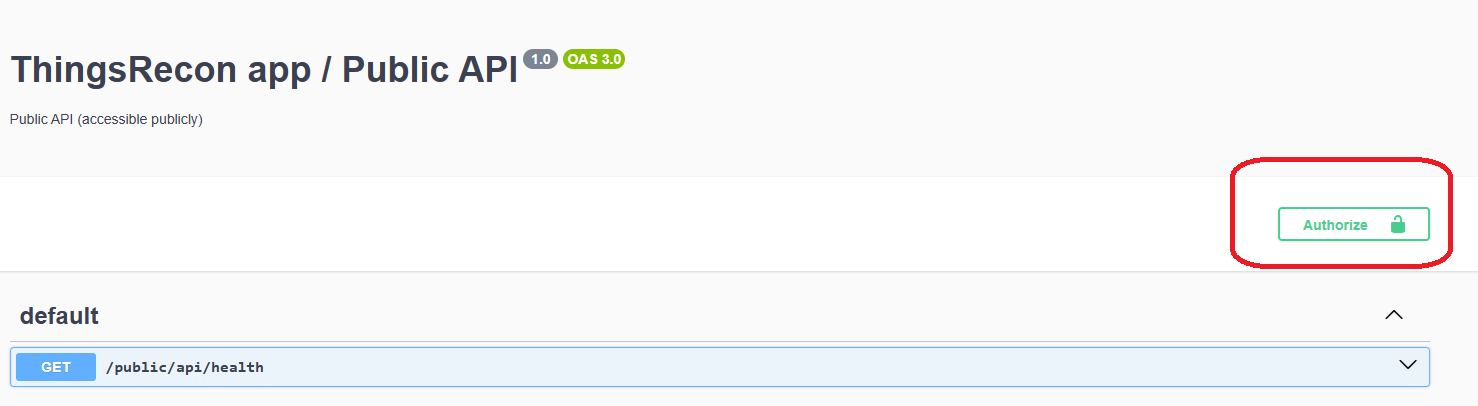
Back to the top of the page, click on "authorize" button:
Then paste the Access token string into the "value" field from the next popup window :
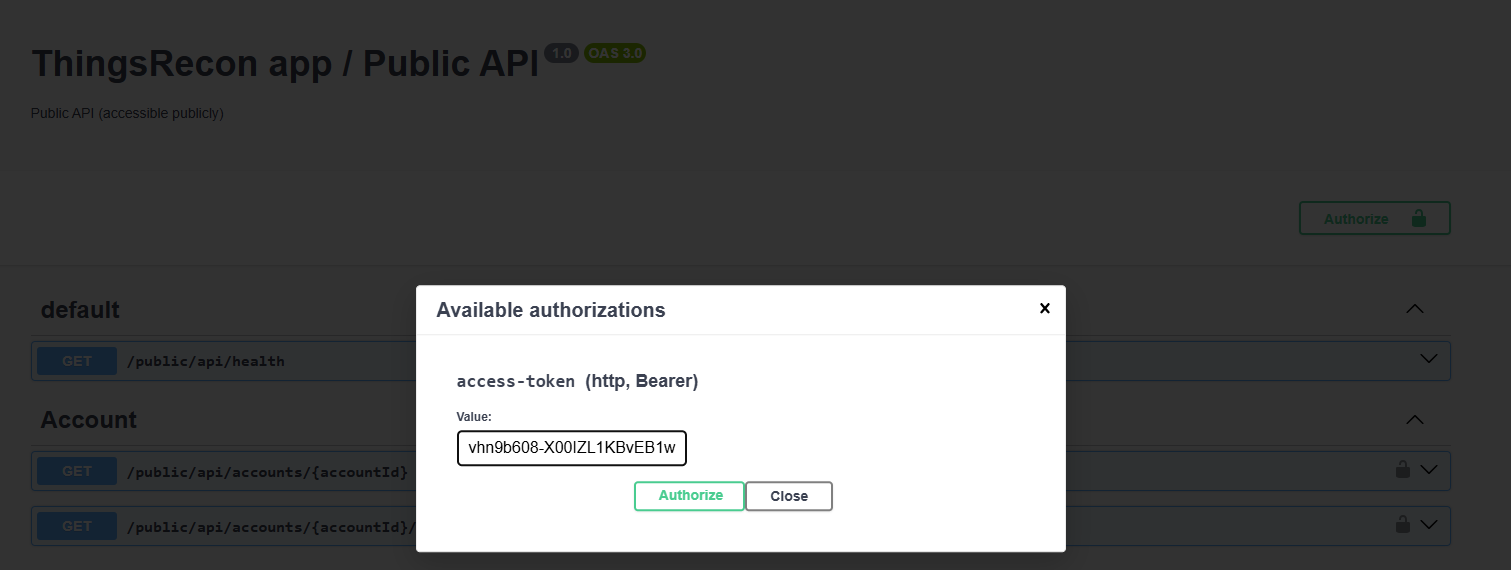
Click on "authorize" button to validate and authenticate.
This is crucial to be able to further use the commands from this Swagger UI page.
Was this article helpful?
That’s Great!
Thank you for your feedback
Sorry! We couldn't be helpful
Thank you for your feedback
Feedback sent
We appreciate your effort and will try to fix the article